1
Open in Safari
Open Still Moving in Safari. If you followed a link inside Facebook, WhatsApp or email, open it in Safari before adding it to your Home Screen.
 Still MovingDoing it TogetherJ13 · website v1.1 review
Doing it Together
Pregnancy support on your iPhone, with the familiar J13 design and orange M.O.T buttons.
Adding the J13 icon gives you a Home Screen web app. It does not install an App Store version. Features and record transfer for a future iOS app have not been confirmed.
Your first-use check
Use a made-up example. Please do not enter real medical details or another person's information.
If a voice feature is unavailable, you can still type a note. Tell us what happened using the feedback page.
Report a problem or give feedbackUse the web beta in Safari, or add its J13 icon to your Home Screen. There is no Android file to download and no App Store installation.
Open the web beta1
Open Still Moving in Safari. If you followed a link inside Facebook, WhatsApp or email, open it in Safari before adding it to your Home Screen.
2
Open the Safari menu and choose Share. Choose Add to Home Screen. If Open as Web App appears, leave it on. Tap Add. The menus may look different on your version of iOS.
See Apple’s Home Screen instructions3
Open Still Moving from the J13 icon to keep using the same saved space. Check your saved notes after adding the icon. Different browsers, private browsing and a different website address may not share your records.
4
Open M.O.T, choose Movement On Track or Movement Off Track, then tap the orange recording button. Allow the microphone when asked. Watch the recording timer and sound indicator. Stop, play it back, then save your entry. Keep the app open while recording.
5
Open My records, then M.O.T history, to play or share your saved recording.
Share or export a copy
Choose a PDF, text or audio export, then Share file. Choose an available app such as WhatsApp, Mail or Messages, or Save to Files. Check the recipient. If sharing is unavailable, choose Download file and find it in Files. Standard SMS cannot carry PDF or audio attachments.
6
Save important PDFs, text and voice files in Files. Clearing website data, changing your browser or losing your phone can remove local records. Saving a PDF does not include audio. Export voice recordings separately.
The pictures show a practice example.
Choose a heading · Record my voice
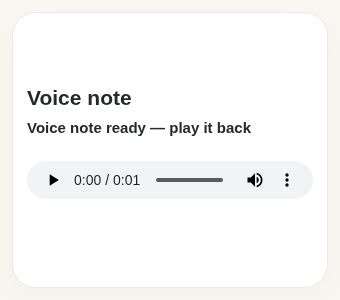
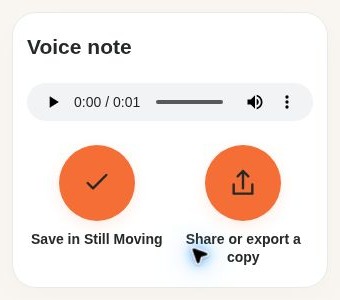
Save in Still Moving to keep the recording in My records → M.O.T history.
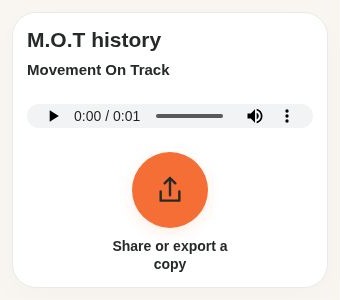
Sharing or downloading a copy leaves the recording as a draft until you tap Save in Still Moving.
These are browser previews of Still Moving at an iPhone-sized screen width. They are not photographs of an iPhone or Apple permission screens. Your system menus and language may differ.
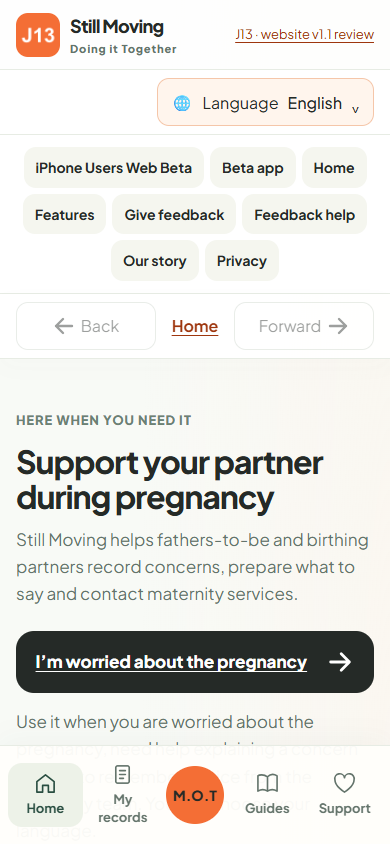
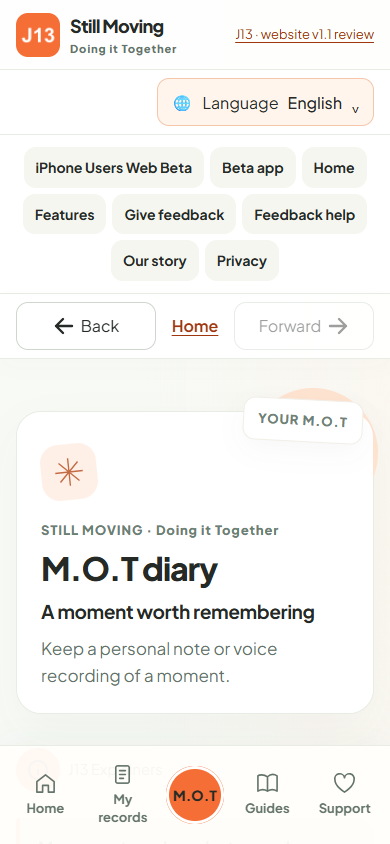
Choose the globe button for the page language. This translates guidance and buttons, not your personal notes. The same 17 interface choices are available here, including Sorani and Kurmanji.
This web beta only attempts live voice-to-text when the browser confirms that recognition is available on the device for your selected language. Otherwise, type your note or keep a voice recording. It does not upload a saved recording for transcription.
Automatic translation of your personal words is not available in this on-device web beta. You can enter a translation you already have, choose its language, and export it with the original words. Check the meaning with a trusted interpreter. Choosing a language alone does not translate your words.
If permission is denied, open the website settings in Safari and check Microphone access. On a Home Screen app, check the relevant privacy settings on your iPhone. Return and try again. Recording stops when you leave the page or the app goes into the background; check playback before saving.
While connected, use Save pages for offline use below. Wait for confirmation before relying on offline access. Feedback, external links and telephone connections are not made available offline. If preparation fails, stay connected and try again.
Notes and recordings are stored in this browser or Home Screen app on this device. They are not automatically sent to Still Moving or your care team. You choose whether to share an export. Website hosting still receives ordinary page requests. Feedback is a separate online form.
There is no automatic transfer between this web beta, other devices or a future iOS app. Keep your exported copies. Future iOS app features have not been confirmed.
© 2026 David A Mitchell Ltd. Still Moving™ is a project name. This beta is for personal evaluation. Read the use and ownership notice.